
Redeem Sword Hunter Codes
The code box sits at the bottom of the Store sheet, not in chat and not on the Roblox website.
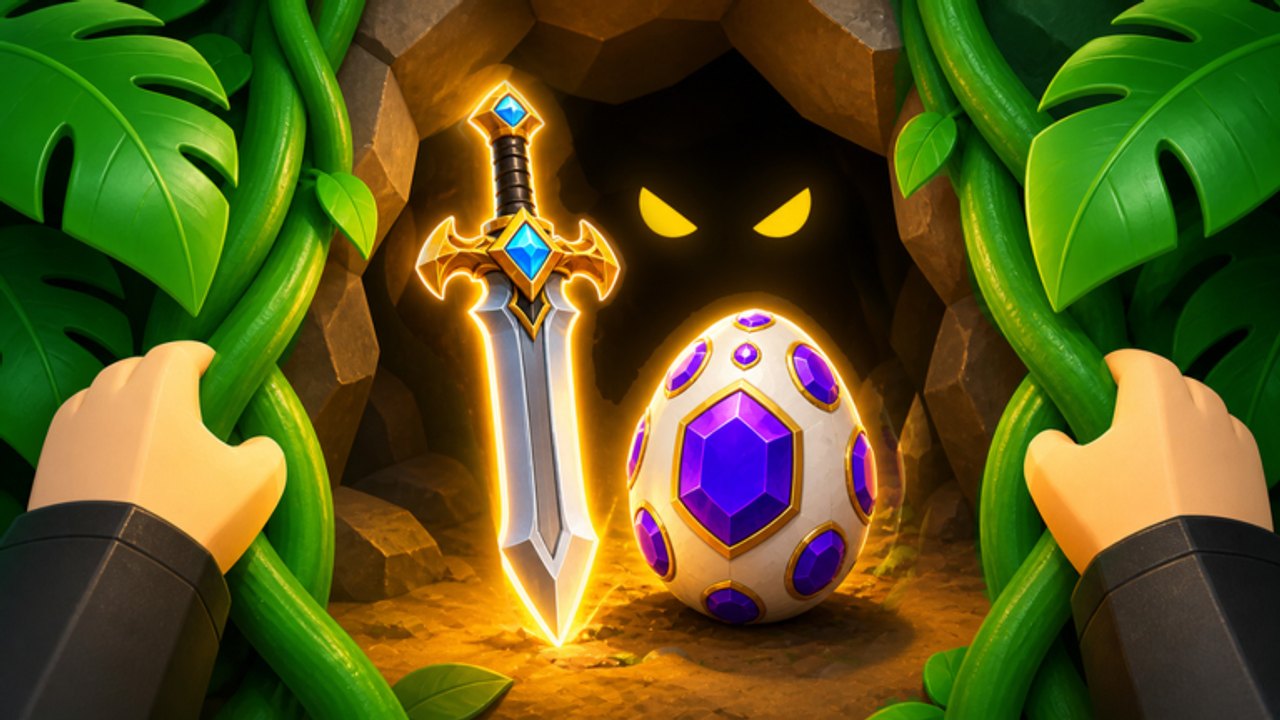
Sword Hunter codes only grant cash, loot, eggs, luck, and swords when you paste them inside the live game. The official redeem path is short: Store button, bottom text box, paste, Redeem. This page is the click-by-click version. The working strings themselves live on the codes hub. If you already claimed everything and want the next drop, use how to get more codes.
The game is free, live since July 31, 2026, and hosted by Blade Evolution Tycoon. You do not need Robux to open the Store sheet. Gamepasses and capsules share that menu; the code field is the last thing on the scroll, not a separate billboard on the tropical islands.
Before you open Store
Join a server from the Sword Hunter Roblox page and wait until your hunter loads on the islands. Redeeming during the first-load hitch can swallow a paste. If you just merged, press F so the new blade is selected, then open Store. Codes do not care which sword you hold, but you should not fumble E Catch on a wolf while the menu is open.
Copy one code at a time from the codes hub or the code checker. Pasting a stack with line breaks is the usual way to get an invalid error on a string that still works.
Step-by-step Store box
- Stand still at base or on a quiet beach. Auto-attack on R can keep swinging while the menu is open, which is fine, but a Catch prompt on E will fight the UI.
- Open the Store button on the HUD. Do not open Roblox chat. Do not open the website redeem pages other games use. Sword Hunter does not cash codes there.
- Scroll to the bottom of the Store sheet. You will pass cash packs and pet offers. The code field is the last text box, not the search bar at the top.
- Tap the box, paste a single code such as WELCOME or LIKES100, and confirm there is no leading space.
- Press Redeem. Wait for the success or fail toast before you paste the next string.
- Check the wallet, loot pile, egg inventory, and luck buff. NEWPET lands a Fox Egg, not cash. LUCKY is 2x Luck, which will not move the cash counter.
- Repeat for MONEY, LIKE1000, UPDATE, 1KCCU, NEWUPDATE, and SWORD.
If the keyboard covers the Redeem button on a phone, collapse the keyboard after the paste, then tap Redeem. Landscape helps on small screens.
What a success looks like versus a fail
A success usually ticks cash, loot, an egg, a chest, a sword, or a multiplier. Open your pet eggs if you redeemed NEWPET or NEWUPDATE so you do not think the code did nothing. A fail toast after a correct paste almost always means that account already used the code. There is no expired table yet in September 2026, so do not assume the whole list died because one extra code bounced.
LIKE1000 and UPDATE are official-page codes with unpublished rewards. A silent success is still a success: tab through cash, eggs, and luck before you retry. Do not spam Redeem on a live code; spam is how players convince themselves a working string is dead.
Common mistakes
- Typing in chat. Other Roblox simulators train that habit. Sword Hunter ignores chat for gifts.
- Stopping at the paid offers. The box is below the scroll, which is why hunters miss it on the first session.
- Wrong letters. LIKES100 is not LIKE100. LIKE1000 is the thousand-likes string. Both exist.
- Redeeming on the website. The group page and the game description list codes; they do not redeem them. Join the Roblox group for news, then come back in-game.
- Leaving auto-catch fights. If a blue wolf walks up with the E Catch prompt from official art, close Store, resolve Catch or Attack, then reopen. E is Attack or Catch depending on context; the menu does not change that.
After the list is empty
Hatch eggs immediately. Equip a new sword with F. Leave WELCOME and LUCKY running while you follow monster farming and convert loot to cash for the merge planner path: stick, metal, gem, then the rainbow Rank 999 blade. Offline swords keep gathering while you are out, so a mid-session redeem still pays after you quit; details sit on offline loot.
Friends on the same 12-player server must each open Store. Sharing a screenshot of a success toast does not copy 2M Cash from 1KCCU. If you are teaching a new hunter, send them this page plus the getting started guide rather than a voice-only “it’s in shop.”
Mobile, desktop, and controller notes
On desktop, Ctrl+V into the bottom box is enough. On mobile, long-press paste, then look for Redeem under the keyboard. Controller users should switch to touch or mouse for this one field; there is no separate redeem hotkey beside E, R, and F. Those three keys stay combat and catch. Store is HUD only.
If Store will not open, rejoin. A stuck session after a teleport through the purple portal is a client hitch, not a missing code feature. Codes still work in new areas; you do not have to stand next to the cave with the glowing gem sword to redeem.
Keep a paste order
Use this order so multipliers cover hatches:
- WELCOME (2x Money)
- LUCKY (2x Luck)
- NEWPET and NEWUPDATE (eggs)
- MONEY, LIKES100, 1KCCU (cash and loot)
- SWORD (equip with F)
- LIKE1000 and UPDATE (try, then inspect inventory)
Tick the same order in the code checker. When a new like-goal string appears, it slots into step 6 until the reward is known.
The Store box will not tell you which codes remain. This wiki will. Recheck the codes hub after updates, and use how to get more codes when the bottom field starts returning fails on the whole September list.
If Redeem does nothing at all
Close Store, toggle R off so auto-attack is not hiding toasts, and redeem again. If the button never highlights, you are not in the text box. If the game is in a loading island or a teleport, wait. Blade Evolution Tycoon did not add a second redeem NPC. There is no cave altar and no Discord bot that grants WELCOME. Only the bottom Store field pays, which is why this page exists as a sibling to the list rather than a copy of it.
Frequently Asked Questions
Quick answers to the most common Sword Hunter questions.
Is the Sword Hunter code box in chat?
No. Open Store, scroll to the bottom text box, paste, and press Redeem. Chat will not grant cash, eggs, or luck.
Do I need Robux to redeem codes?
No. Sword Hunter is free to play. The Store sheet also sells packs, but the code field at the bottom works without a purchase.
Why did my code say invalid?
Check spelling and spaces, then retry once. A second fail usually means that account already redeemed it. See the codes hub for the live list.
Can I redeem on the Roblox website?
No. The game page and Roblox group publish strings. You still paste them in the in-game Store box.
Should I redeem before or after merging?
Redeem first so WELCOME and LUCKY cover the session, then merge with the merge planner. Equip a SWORD reward with F after it lands.
Does each friend need to redeem on a co-op server?
Yes. Online co-op on 12-player servers does not share code payouts. Every hunter opens Store separately.